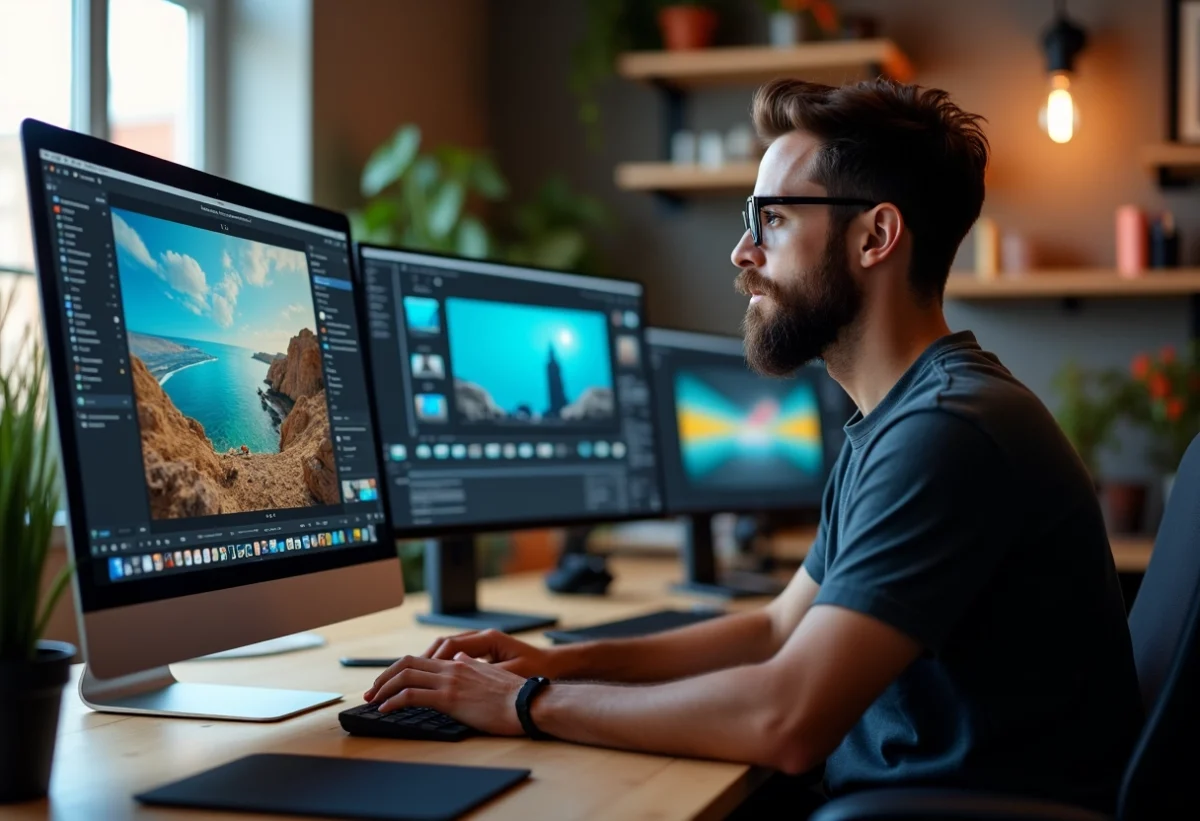
Visual content has become a key element in capturing attention online. Whether for social media, a website, or a presentation, high-quality images can make all the difference. To stand out, consider adopting effective tools capable of transforming ordinary visuals into true works of art.
Software like Adobe Photoshop or Canva offers a multitude of features to retouch, enhance, and personalize your images. Other tools, such as Lightroom for photographers or Figma for designers, allow you to refine every detail with professional precision. Embracing these technologies will help elevate the quality of your visuals, making your content more attractive and engaging.
The best tools to enhance the quality of your visuals online
In the realm of online visual enhancement, several tools stand out for their ability to use artificial intelligence to deliver impressive results. Here is a selection of the most effective ones:
- MyEdit: Best site for enhancing photo quality via AI online for free.
- Zyro: For quickly improving the quality of an image online.
- PicWish: For enhancing the quality of blurry photos online.
- Remini: For increasing the resolution of an image online with precision.
- Fotor: For improving the quality of a photo before editing online.
- HitPaw: For increasing the resolution of a photo online.
- cre8tiveai: For enhancing the resolution of images and faces via AI.
- YouCam Enhance: For restoring your old images online.
- VanceAI: For enhancing, enlarging, and colorizing an image.
- Canva: Enhance an image for design creation.
- PixelCut: Free online image size increase.
- iLoveIMG: For quickly and freely increasing the resolution of an image online.
- Pixelied: For enhancing the sharpness of an image.
- Let’s Enhance: For improving the quality of photos of drawings and paintings.
- icons8: For increasing the resolution of an image up to 4x.
- ImageUpscaler: For enhancing the resolution of an image.
These tools, by integrating artificial intelligence, allow for results that were once reserved for professionals. For example, Zupimage is a service that stands out for its speed and efficiency in visual enhancement. Thanks to these technologies, even a novice can transform a mediocre image into a high-quality visual.
By relying on these solutions, you will access advanced features such as blur removal, resolution enhancement, and colorization of black and white images. MyEdit, for instance, is known for its effectiveness in enhancing photo quality via AI, while Remini excels in increasing resolution with great precision.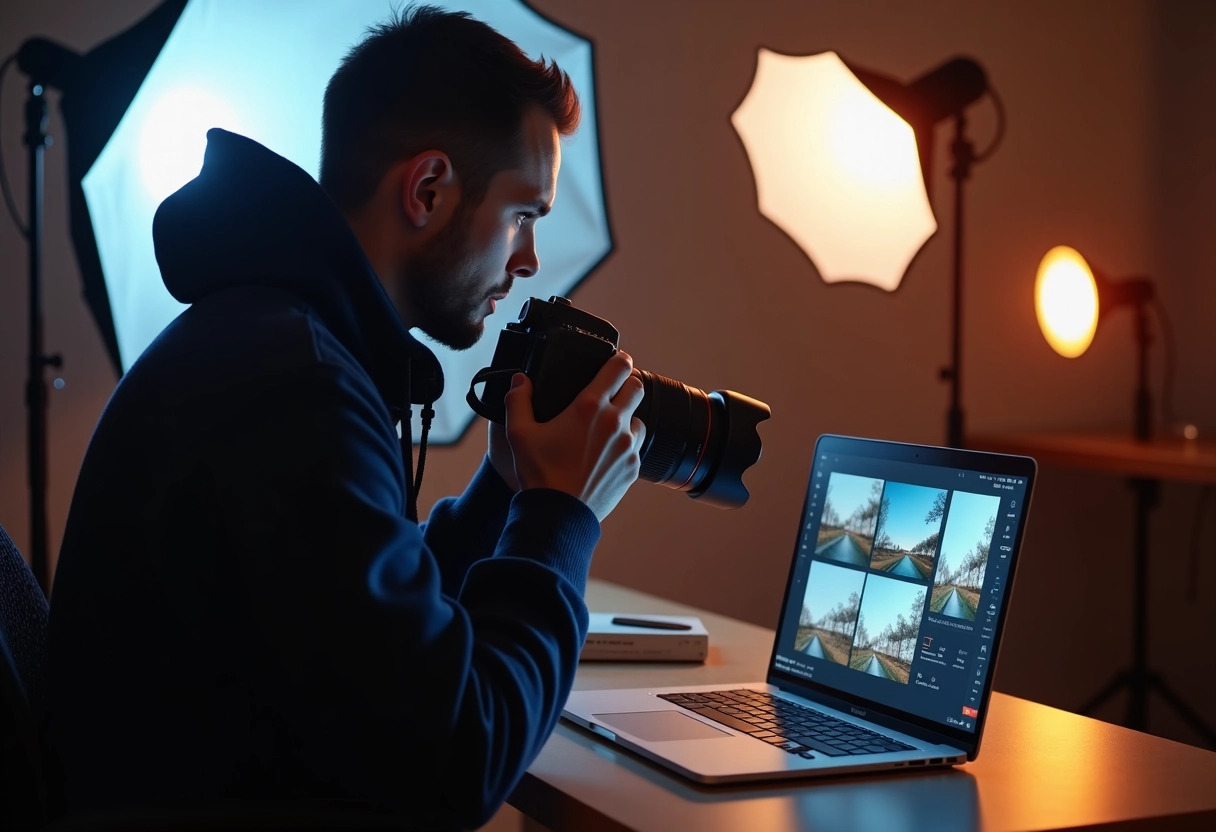
Practical tips for optimizing your visuals with these tools
To fully leverage the mentioned tools, some best practices are essential. First, clearly define your goals. Do you want to enhance the sharpness of an image, increase its resolution, or restore an old photo? Each tool has its specificities and addresses precise needs.
- MyEdit: Ideal for enhancing photo quality via AI for free.
- Remini: Perfect for increasing the resolution of an image online with precision.
- YouCam Enhance: Use it to restore your old images.
Before starting any retouching, take stock of your visual. Take the time to scan your image to identify areas needing particular improvement. A thorough analysis will allow you to choose the most appropriate tool and avoid common mistakes.
The use of filters and advanced settings can also make a significant difference. For example, in PicWish, you can adjust the sharpness and clarity of the image to improve the quality of blurry photos. Similarly, Fotor offers advanced editing options before enhancing the quality of your photos.
Don’t forget to save your progress at each stage. Working on copies of your original files will allow you to revert if necessary. Use the preview option to assess changes before finalizing your visual. This method ensures you maintain the best possible quality without compromising the integrity of the original image.